The best 144Hz monitor in this set for most people is the Dell S2725DSM, because it is the only one that steps up to 2560 x 1440 while keeping the same refresh rate; if you would rather stay at 1080p, the LG 27G414B-B is the more complete 27-inch screen. The other six are 1080p models, and all eight cost less than most graphics cards. The detail that decides things is rarely the 144Hz number itself. It is which input actually carries it. Several of these listings omit DisplayPort, and two list only HDMI 1.4 and VGA, so the table below also flags what each title leaves unsaid.
Our Top Picks
 ArcticPro 22 Inch Gaming Monitor 144Hz22" FHD 144Hz7.4 x 19.4 x 14.25 inches4.5 PoundsCheck on Amazon
 LG 27G414B-B 27-inch Ultragear IPS 1080p 144Hz 1ms27 inch8.7 x 24.1 x 18.4 inches9.5 PoundsCheck on Amazon
Eight 144Hz screens at a glance

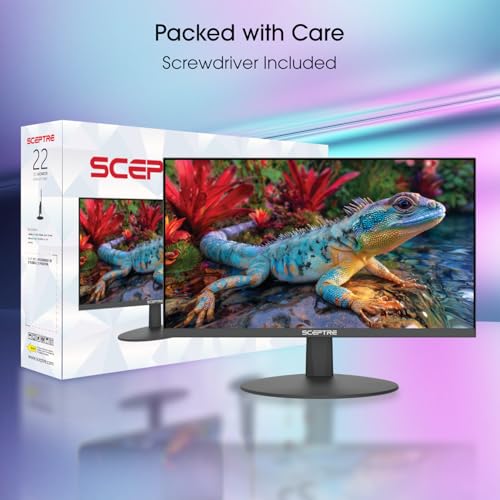
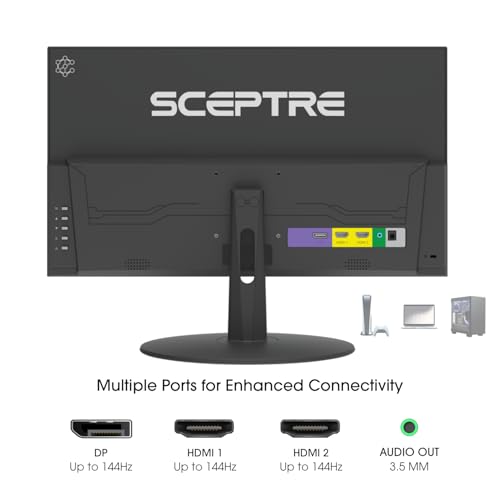
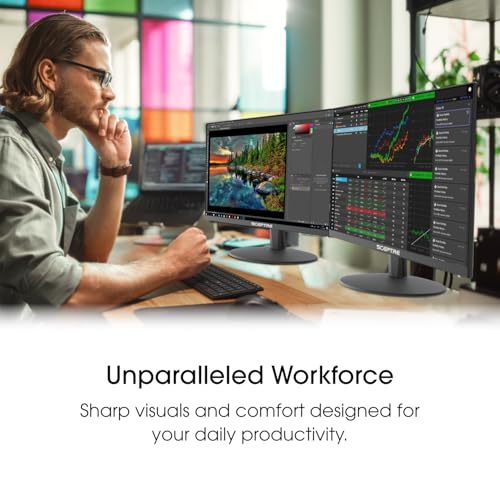
Sceptre New 22-Inch Gaming Monitor, FHD 1080p, Up to 144Hz, HDMI, DisplayPort, Built-in Speakers, Machine Black (E225W-FW144 Series, 2026)



As an Amazon Associate we earn from qualifying purchases. Product prices and availability are accurate as of the date/time indicated.

msi PRO MP243L E14 24-inch IPS 1920 x 1080 (FHD) Gaming Office Monitor, 144Hz, Free-Synch, HDR Ready, HDMI, VGA Port,VESA Mountable, Tilt, 4-Side Slim Bezel,1ms, Black


As an Amazon Associate we earn from qualifying purchases. Product prices and availability are accurate as of the date/time indicated.

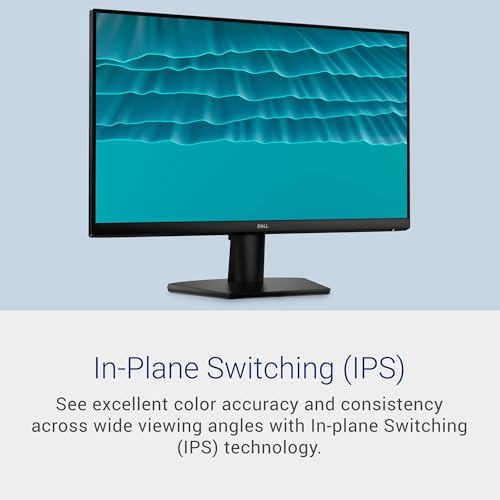
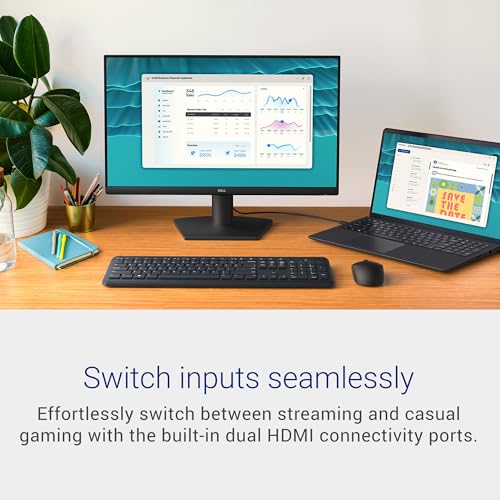
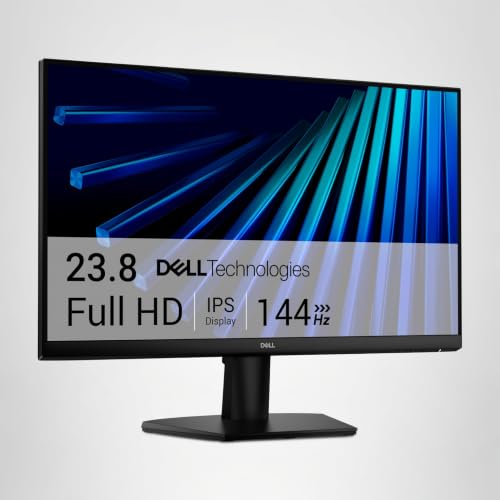
Dell 24 Monitor - SE2426H - 23.8-inch FHD (1920x1080) 144Hz 1ms Display, in-Plane Switching (IPS) Technology, AMD FreeSync™, TÜV 3-Star 2X HDMI, Tilt





As an Amazon Associate we earn from qualifying purchases. Product prices and availability are accurate as of the date/time indicated.

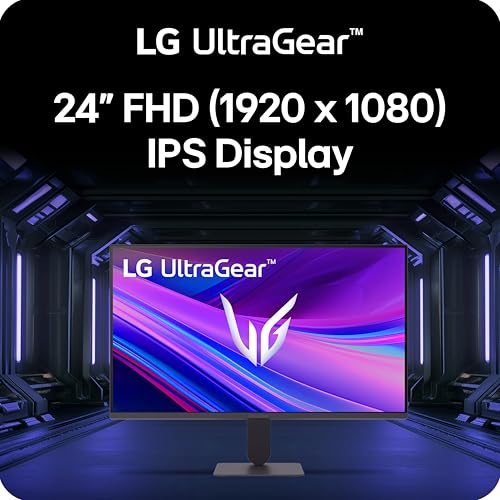
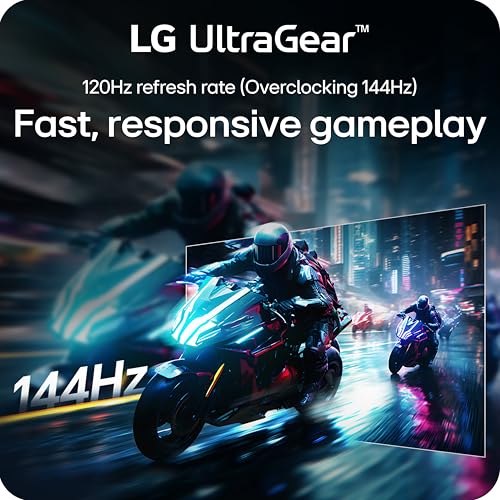
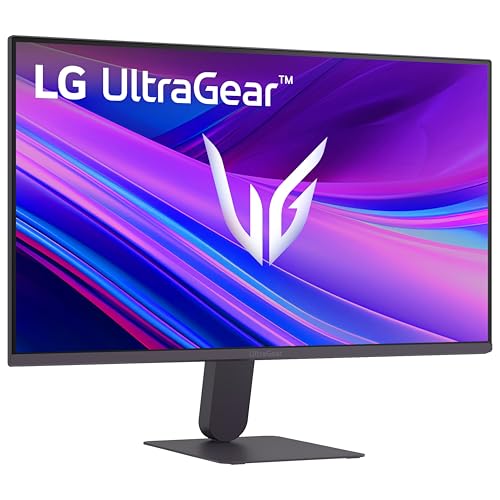
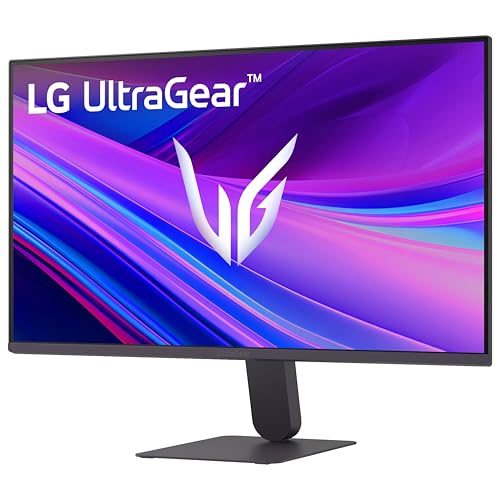
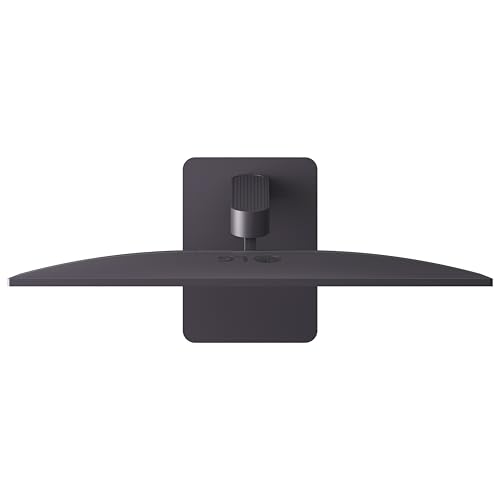
LG 24G411A-B 24-inch Ultragear Full HD (1920 x 1080) IPS Gaming Monitor, 144Hz (O/C), 1ms MBR, NVIDIA G-Sync Compatible, AMD FreeSync, HDR10, HDMI, DisplayPort, Slim Stand, Black






As an Amazon Associate we earn from qualifying purchases. Product prices and availability are accurate as of the date/time indicated.
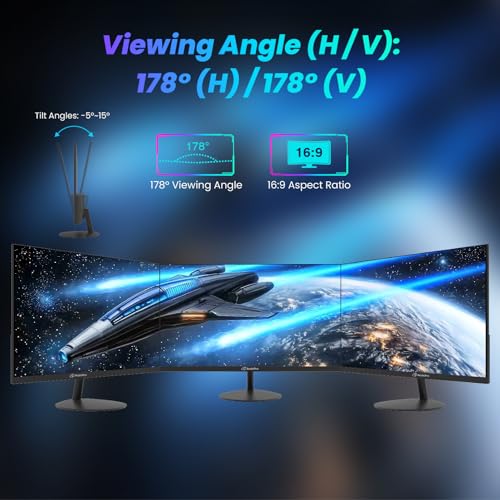
ArcticPro 22 Inch Gaming Monitor 144Hz, FHD Computer Monitor, 105% sRGB | 1080p, 4000:1 Contrast, 3-Sided Frameless, Ultra Slim, VESA Mount, Eye Care, HDMI 1.4, VGA


As an Amazon Associate we earn from qualifying purchases. Product prices and availability are accurate as of the date/time indicated.
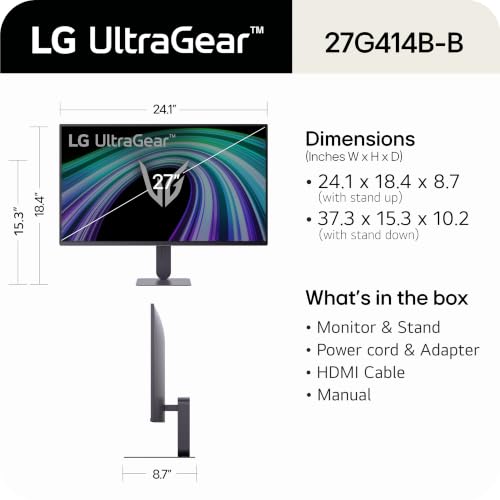
LG 27G414B-B 27-inch Ultragear IPS 1080p 144Hz 1ms G-Sync Gaming Monitor | Full HD (1920 x 1080), FreeSync, HDR10, Built-in Speaker, LG Switch, Reader Mode, HDMI, DisplayPort, Tilt/Height Stand



As an Amazon Associate we earn from qualifying purchases. Product prices and availability are accurate as of the date/time indicated.

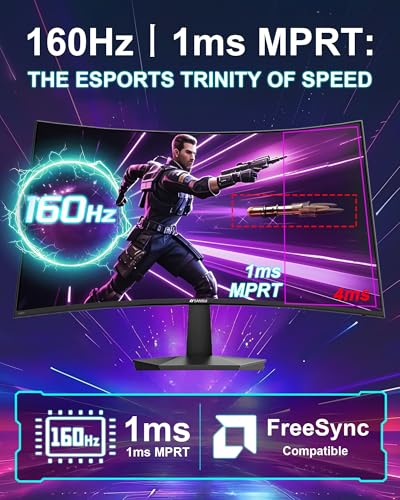
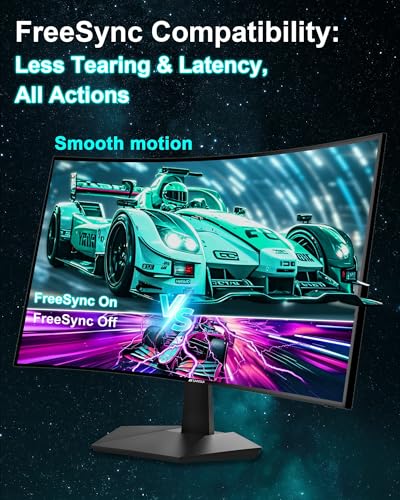
SANSUI 27 Inch Curved 160Hz Gaming Monitor 144Hz FHD 1080P Computer Monitor | 27” 1500R Curved PC Monitor, FPS/RTS, MPRT 1Ms, FreeSync, HDR, 4000:1, 110% sRGB, Low Blue Light, HDMI DP Ports for Gaming




As an Amazon Associate we earn from qualifying purchases. Product prices and availability are accurate as of the date/time indicated.

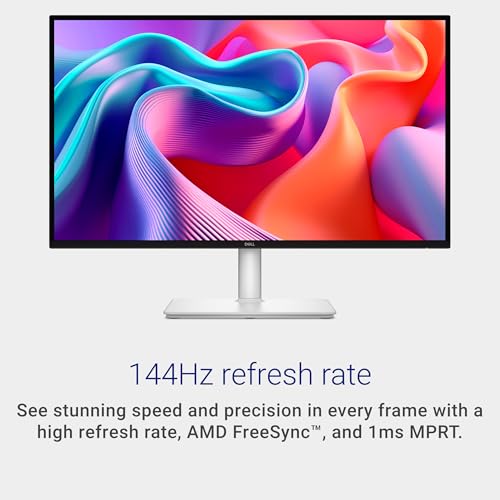
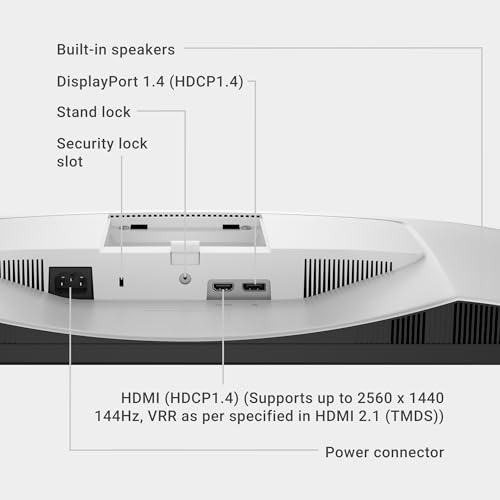
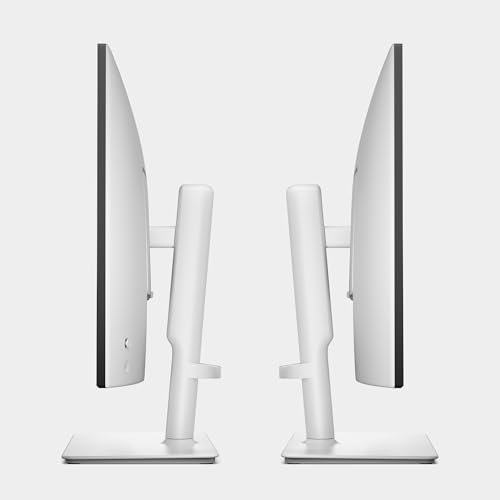
Dell 27 Plus QHD Monitor - S2725DSM - 27-inch QHD (2560x1440) 144Hz 1ms Display, 2 x 3W Speakers, HDMI/DisplayPort 1.4 Connectivity, Height/Tilt/Pivot/Swivel Adjustability, AMD FreeSync - Ash White






As an Amazon Associate we earn from qualifying purchases. Product prices and availability are accurate as of the date/time indicated.
| Model | Key point from the title | Price tier | Best for |
|---|---|---|---|
| Sceptre 22-inch E225W-FW144 | 22″, FHD, up to 144Hz, HDMI and DP, speakers | Budget | Smallest, cheapest second screen |
| ArcticPro 22-inch | 22″, FHD, 144Hz, HDMI 1.4 and VGA | Budget | Tight budgets, with port caveats |
| msi PRO MP243L E14 | 24″ IPS, 144Hz, HDMI and VGA, VESA | Budget | Office-and-play desks |
| Dell SE2426H | 23.8″ IPS, 144Hz, 1ms, 2x HDMI | Budget | Dual-console or PC use |
| LG 24G411A-B | 24″ IPS, 144Hz (O/C), HDMI and DP | Mid-range | Compact esports desks |
| LG 27G414B-B | 27″ IPS, 144Hz, speaker, height-adjustable | Mid-range | Best 1080p all-rounder |
| SANSUI 27-inch curved | 27″ 1500R curve, 160Hz/144Hz wording | Mid-range | Curved-screen fans |
| Dell S2725DSM | 27″ QHD 1440p, 144Hz, HDMI/DP 1.4 | Premium | Sharper picture, same refresh |
Tiers are relative within this set. Every listing here is inexpensive in the wider monitor market.
Each model in turn
Sceptre 22-inch E225W-FW144 series
The title says a 22-inch FHD monitor, “up to 144Hz”, with HDMI, DisplayPort and built-in speakers. “Up to” is the key wording: the top refresh may only run on one input, so check which one. The title does not give a panel type, response time or adaptive-sync support. At 22 inches and 1080p, pixel density is about 100 PPI, which is crisp for the size. Because the speakers are built in, it can also serve as a simple desk-and-game screen without extra audio gear, though built-in speakers are rarely a highlight.
Pros
- DisplayPort is listed, which is the safest port for high refresh
- compact footprint and low price tier
Cons
- panel type is not in the title
- no stand adjustment is mentioned
Who it’s for: someone who needs a small, cheap 144Hz screen next to another monitor.
ArcticPro 22-inch gaming monitor
This one lists FHD at 144Hz, 105% sRGB, 4,000:1 contrast, a frameless design, a VESA mount, an eye care mode, HDMI 1.4 and VGA. It does not list DisplayPort. That matters because HDMI 1.4 is close to its limit at 1080p144 and VGA is analog, so confirm that 144Hz works over HDMI before buying. The color and contrast figures are seller claims and the panel type is not named. It looks like a minimal-feature panel; the 3-sided frameless design suits a bare desk, but the stand details are not given.
Pros
- lowest price tier in the set
- VESA mount in the title
Cons
- no DisplayPort listed
- adaptive sync is not mentioned
Who it’s for: a buyer on the tightest budget who will verify the HDMI mode first.
msi PRO MP243L E14
A 24-inch IPS 1920 x 1080 monitor with 144Hz, “Free-Synch” (an apparent typo for FreeSync), HDR Ready, HDMI, a VGA port, VESA mounting, tilt, 4-side slim bezels and 1ms. It is described as a gaming and office monitor. As with the ArcticPro, no DisplayPort is listed, so look at the refresh table for the HDMI input and the manual’s note on supported modes. “HDR Ready” is a label, not a promise of bright HDR. With a tilt-only stand and a VGA input, it fits an office setup better than a dedicated gaming corner.
Pros
- IPS panel with slim bezels
- VESA mount lets you add an arm
Cons
- no DisplayPort listed
- tilt-only stand
Who it’s for: a mixed-use desk that wants IPS color at a low price.
Dell SE2426H
The title lists a 23.8-inch FHD IPS display at 144Hz, 1ms, AMD FreeSync, a TUV 3-Star eye-comfort rating, two HDMI inputs and a tilting stand. Two HDMI ports are handy for a PC plus a console, but there is no DisplayPort, so check what refresh the HDMI inputs deliver. The stand tilts only. The 1ms claim should be read as a seller figure for a specific mode. The rating for eye comfort is a design certification, so it is a plus for long sessions, not a speed spec.
Pros
- two HDMI inputs for two sources
- IPS and a recognized eye-comfort rating
Cons
- no DisplayPort
- tilt-only stand
Who it’s for: players splitting one monitor between a PC and a console.
LG 24G411A-B UltraGear
A 24-inch IPS FHD screen at 144Hz (O/C), 1ms MBR, NVIDIA G-Sync Compatible, AMD FreeSync, HDR10, HDMI and DisplayPort, with a slim stand. “O/C” means overclocked, so the native refresh is probably lower; check the listing. MBR is a motion blur reduction feature, and the listing should say whether it can run alongside adaptive sync. HDR10 on an entry panel is a signal format, not a mark of brightness. Look for the native refresh in the manual, since that is the number you will actually rely on every day.
Pros
- HDMI and DisplayPort both listed
- G-Sync Compatible and FreeSync named
Cons
- 144Hz is overclocked, so verify the stable mode
- slim stand without much adjustment
Who it’s for: compact desks that need a branded esports-style 24-inch screen.
LG 27G414B-B UltraGear
The title lists a 27-inch IPS 1080p monitor at 144Hz with 1ms, G-Sync (probably G-Sync Compatible), FreeSync, HDR10, a built-in speaker, LG Switch, reader mode, HDMI, DisplayPort and a tilt and height stand. It is the only 1080p model here with both height adjustment and a DisplayPort. At 27 inches 1080p is about 82 PPI, noticeably softer than 1440p, which is the main trade-off.
Pros
- height adjustment plus both major inputs
- IPS panel with extras like reader mode
Cons
- 82 PPI looks soft at desk distance
- HDR10 is an input format, not a brightness guarantee
Who it’s for: 1080p gamers who want a larger screen and a proper stand.
SANSUI 27-inch curved gaming monitor
The title mentions “160Hz” and “144Hz” in the same line, plus a 27-inch 1500R curve, FHD 1080p, MPRT 1ms, FreeSync, HDR, 4,000:1 contrast, 110% sRGB, low blue light, HDMI and DisplayPort. The mixed refresh wording is ambiguous: the 160Hz may be an overclock or a typo, so read the listing. The 1ms figure is MPRT, a blur measure, not gray-to-gray response. A 1500R curve is gentle for a 27-inch panel, and it is a style choice, not a performance one. Check whether the listing shows the refresh table for DisplayPort versus HDMI.
Pros
- curved panel with DisplayPort
- higher stated refresh than the other 27-inch FHD model
Cons
- confusing refresh wording
- stand adjustments are not listed
Who it’s for: curve fans who will confirm the exact refresh first.
Dell S2725DSM 27 Plus QHD
A 27-inch QHD 2560 x 1440 monitor at 144Hz and 1ms, with two 3W speakers, HDMI and DisplayPort 1.4 connections, height, tilt, pivot and swivel adjustments and AMD FreeSync. It is the only 1440p screen here and the only one with a fully adjustable stand. Panel type is not given in the title. DisplayPort 1.4 comfortably carries 1440p at 144Hz, so that input is the sensible one to use. Both ports are listed, so a console on HDMI and a PC on DisplayPort is a realistic arrangement.
Pros
- 1440p at about 109 PPI is sharper than any other listing
- full stand adjustment and DisplayPort 1.4
Cons
- highest price tier in the set
- more graphics load, about 1.8 times the pixels of 1080p
Who it’s for: anyone who wants a long-term 27-inch screen and has a mid-range graphics card.
How we picked these
We began with each product title and noted what it states and what it omits. Our basis is published specifications, manufacturer documentation and buyer reviews. Nobody on the team used or measured these units. Seller-claimed figures such as 1ms are reported as claims, and where a title is ambiguous, for example “up to 144Hz” or two refresh rates in one line, we say so. Tiers are relative: every screen here sits at the inexpensive end of the monitor market.
What matters when you pick a 144Hz screen
Frame time and the frames you need
Refresh rate is easier to judge as time per frame. The numbers below are straight arithmetic, 1000 divided by the refresh rate.
| Refresh rate | Time per frame |
|---|---|
| 60Hz | 16.7 ms |
| 100Hz | 10.0 ms |
| 120Hz | 8.3 ms |
| 144Hz | 6.9 ms |
A 144Hz screen only looks like 144Hz if your graphics card produces about that many frames each second. If your games run at 80 fps, the extra refresh smooths motion a little and adaptive sync handles the rest.
Which port carries 144Hz
1920 x 1080 at 144Hz carries about 7.2 Gbps of pixel data, an estimate that ignores blanking. HDMI 1.4 tops out near 8 Gbps of usable data, so once blanking is added 1080p144 sits right at its limit. DisplayPort has comfortable room. The ArcticPro and msi list HDMI plus VGA only, so verify the HDMI refresh rate. See our 1440p gaming monitor picks if you also need more resolution.
Size, resolution and sharpness
Pixel density is diagonal in pixels divided by diagonal in inches. A 22-inch 1080p screen is about 100 PPI, a 24-inch about 92, a 27-inch about 82, and a 27-inch 1440p about 109. Sit one arm’s length away and 82 PPI shows visible pixel structure to many people.
Adaptive sync and motion blur
FreeSync and G-Sync Compatible reduce tearing when your frame rate drops below the refresh rate, which at 144Hz happens often. Several titles name one or both. Features like MBR, ELMB-style blur reduction or MPRT numbers describe backlight strobing or blur claims, and they are best treated as extras whose behavior you should confirm in the manual, not as headline specs.
Stand, posture and setup
Tilt-only stands force you to adjust your chair instead of the screen, which affects posture. A VESA mount lets you add an arm, and two guides on positioning a monitor arm and fixing arm drift help with that. As general ergonomics, keep the top of the screen near eye level and take regular breaks. For more, see workspace ergonomics for a gaming PC.
Mistakes buyers make
- Plugging into the wrong port, or forgetting to select 144Hz in the operating system display settings. Many monitors stay at 60Hz until you change it.
- Reading “up to 144Hz” or “144Hz (O/C)” as a stable native mode. Check the native rate and the port it applies to.
- Buying a 27-inch 1080p screen and then wondering why text looks soft. Density, not diagonal, sets sharpness.
- Ignoring the cable. The one in the box is usually the safest choice, and a worn or very long third-party cable can drop the refresh rate or cause flicker.
- Treating HDR10 or HDR Ready as a brightness spec at this price.
- Buying a curved or tilt-only screen without checking that it fits your desk depth and eye height.
Verdict
The Dell S2725DSM is the best pick if you want sharpness and a full stand, and the LG 27G414B-B is the most complete 1080p option. The Sceptre and Dell SE2426H are the simplest budget buys, with the ArcticPro and msi needing a port check. Whichever you choose, read the refresh table for the input you plan to use, and confirm the exact top mode before you commit. The one Premium-tier model is also the only 1440p screen, so with a modest graphics card a 1080p model leaves you more headroom.
Frequently asked questions
Is 144Hz worth it over 60Hz?
For games, usually yes. A 60Hz screen shows a new image every 16.7 milliseconds, while 144Hz shows one every 6.9, so motion looks smoother and input feels more immediate, provided your graphics card can produce frames that fast. For desktop work the gain is smaller, though cursor movement is noticeably smoother. Check that your PC and cable can actually carry the mode.
Do I need DisplayPort for 144Hz?
Often, but not always. DisplayPort is the safest route for 144Hz at 1080p and 1440p. HDMI 1.4 sits right at the edge for 1080p144, so some monitors only reach 144Hz on DisplayPort or HDMI 2.0 and above. Two of these listings name HDMI plus VGA only. Check the maximum refresh per port in the manual before buying.
Is 1080p or 1440p better at 144Hz?
1440p is sharper and costs more graphics power, about 1.8 times the pixels of 1080p. At 27 inches 1080p is about 82 pixels per inch while 1440p is about 109, which most people see as cleaner text. If your card struggles to hold 100 fps at 1440p, 1080p is the easier route to smooth play.
What does 144Hz (O/C) mean on a listing?
The O/C stands for overclocked. It usually means the panel runs a lower native refresh and the monitor pushes it higher through its settings, so the top mode may be less stable or need a specific port. The LG 24G411A-B title uses this wording. Look at the listing for the native rate and whether 144Hz is enabled by default.
Does a 144Hz monitor need FreeSync or G-Sync?
It does not need either to run at 144Hz, but adaptive sync helps by matching the refresh to your frame rate and reducing tearing. FreeSync works with many AMD cards, and G-Sync Compatible works with many NVIDIA cards. The listing wording varies, so check the exact name and the supported port before relying on it.
Related guides
- Curved vs Flat Monitor: Which to Choose for Your Desk
- 1440p vs 4K Monitor: Which Should You Choose?
- Best Curved Monitor: Seven 24 to 34 Inch Picks Compared by Curve Radius, Resolution and Inputs (2026)
- Best Budget Gaming Monitor: Eight Low-Cost 22 to 27 Inch Screens Compared by Ports and Refresh Claims (2026)