For most players the LG 27G810A-B is the best 4K gaming monitor in this set on paper. It lists 4K IPS at up to 180Hz, a full HD mode at up to 360Hz, DisplayHDR 400 and HDMI 2.1, which covers PC and console in one screen. The ASUS ROG PG32UCDP is the ceiling pick at the top of the range, and the ASUS TUF VG27UQ1A is the sensible value route. Two listings are weaker fits for fast 4K play, and the table points them out. Beyond the shortlist, the useful extra here is a cable chart that shows which links can carry which refresh rates at 4K.
Our Top Picks
Seven 4K screens side by side

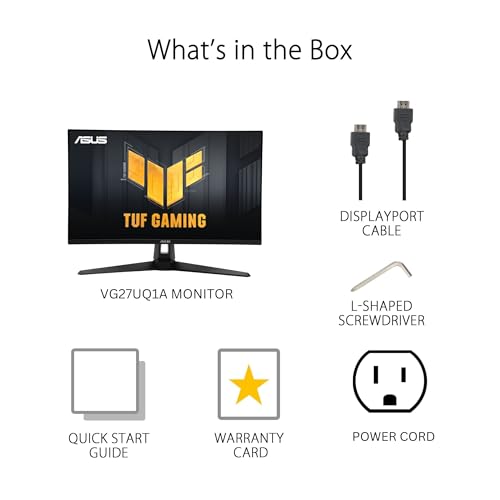
ASUS TUF Gaming VG27UQ1A 27 Inch 4K 160Hz G-SYNC Gaming Monitor | ELMB Sync, 1ms, 95% DCI-P3, FreeSync Premium, DisplayWidget Center, for PS5 and Xbox




As an Amazon Associate we earn from qualifying purchases. Product prices and availability are accurate as of the date/time indicated.

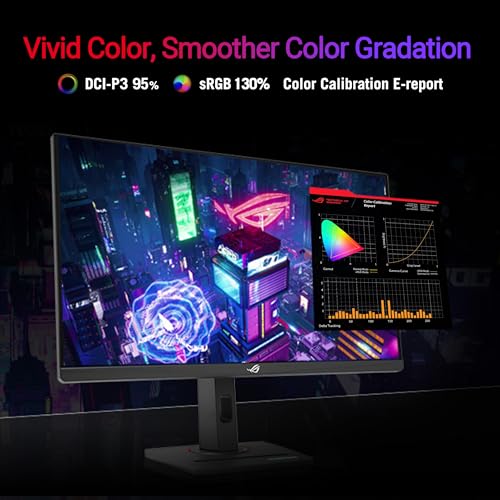
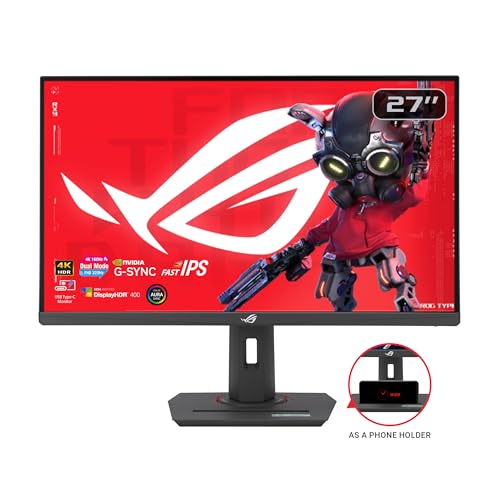
ASUS ROG XG27UCG 27 Inch 4K 160Hz USB-C G-SYNC Gaming Monitor | Dual Mode FHD 320Hz, 1ms, DisplayHDR 400, DCI-P3 99%, Fast IPS, ELMB Sync, FreeSync Premium for PS5 and Xbox




As an Amazon Associate we earn from qualifying purchases. Product prices and availability are accurate as of the date/time indicated.

LG 27G810A-B 27-inch Ultragear 4K UHD (3840 x 2160) IPS Gaming Monitor, Dual Mode UHD 180Hz or FHD 360Hz, 1ms, NVIDIA G-Sync, AMD FreeSync Premium, VESA DisplayHDR 400, HDMI 2.1, Black





As an Amazon Associate we earn from qualifying purchases. Product prices and availability are accurate as of the date/time indicated.

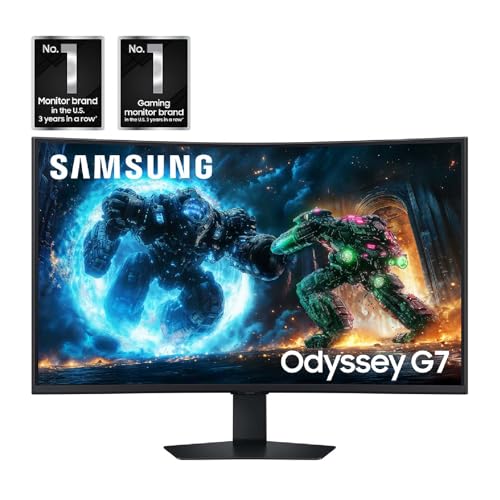
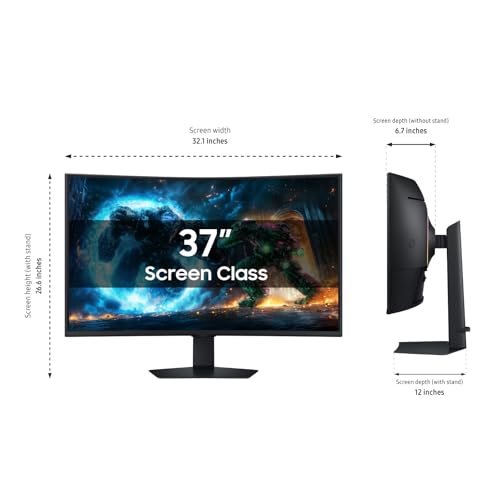
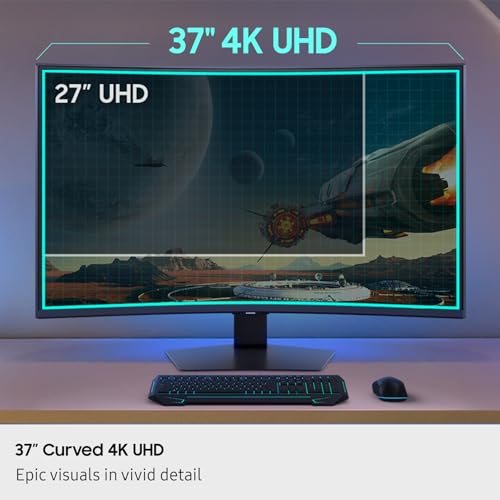
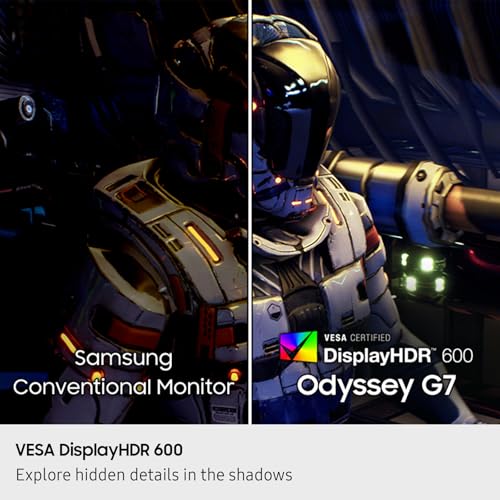
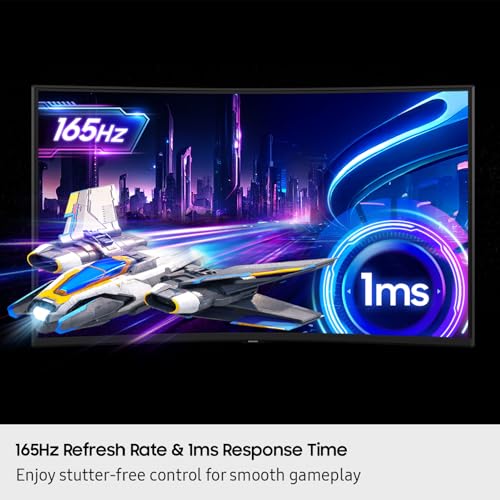
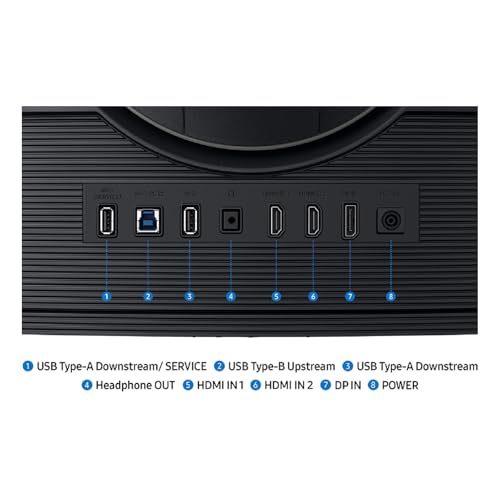
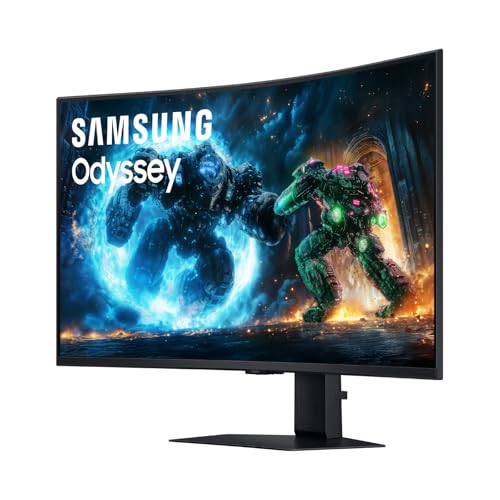
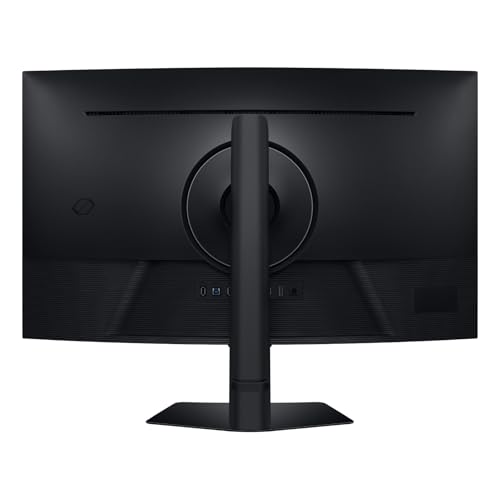
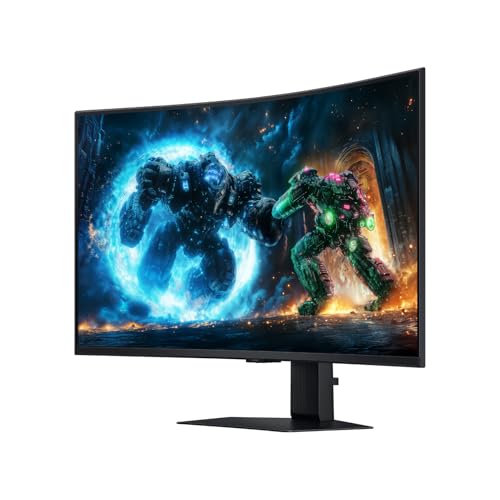
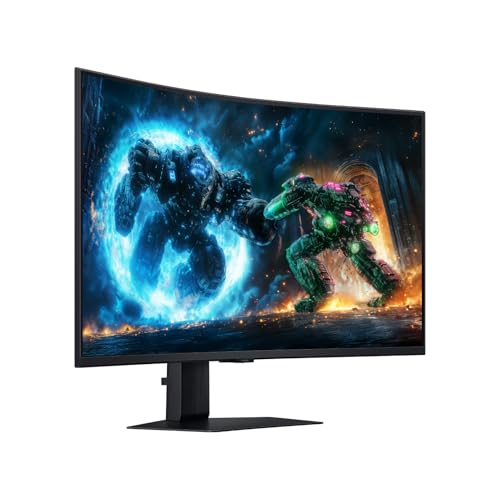
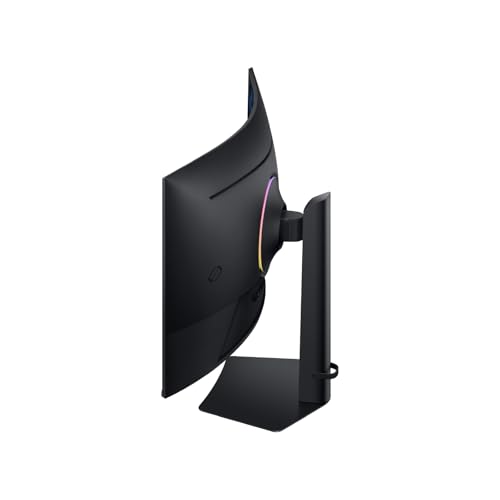
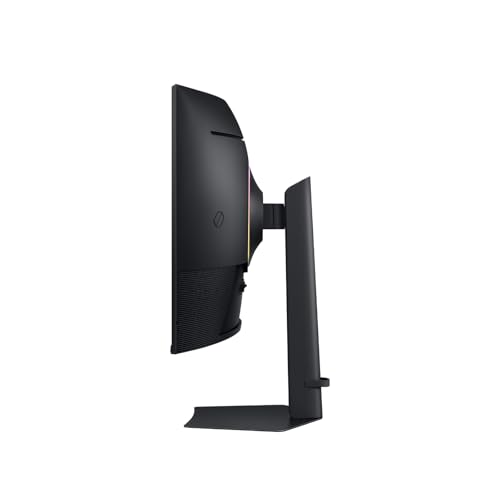
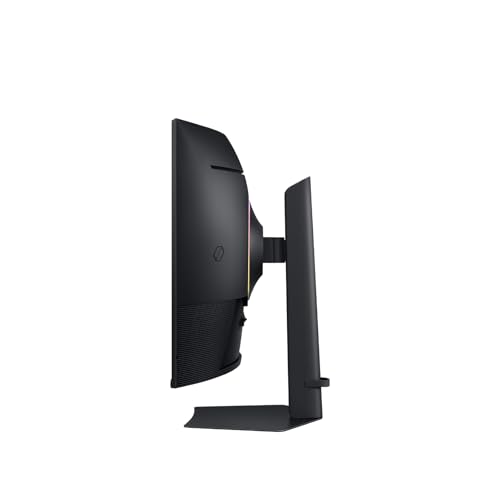
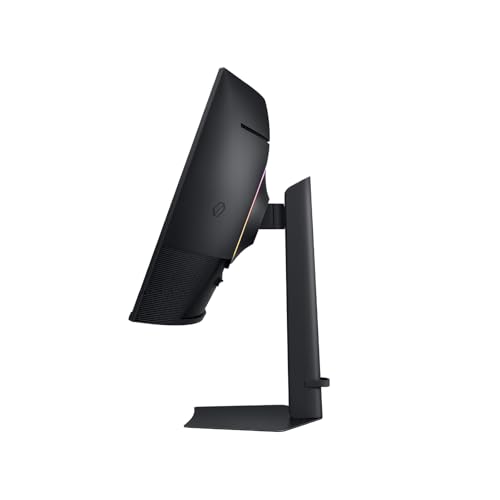
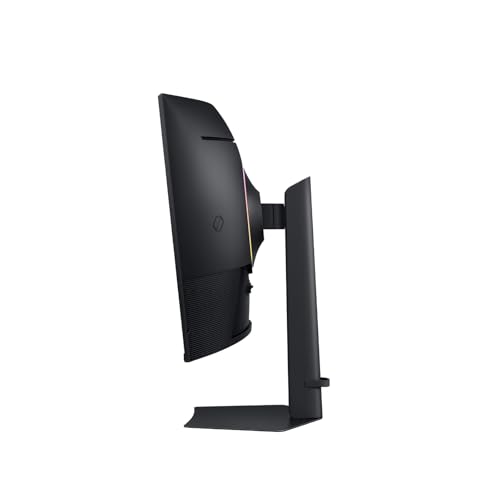
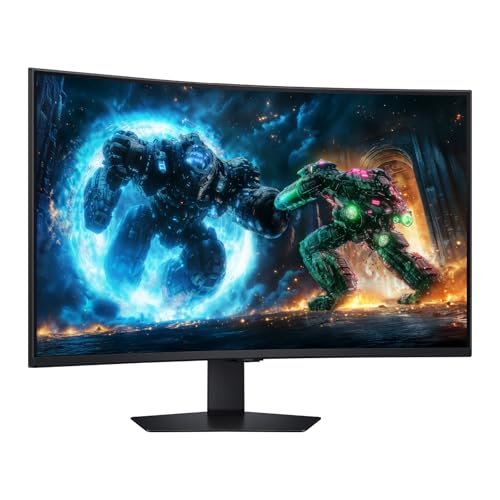
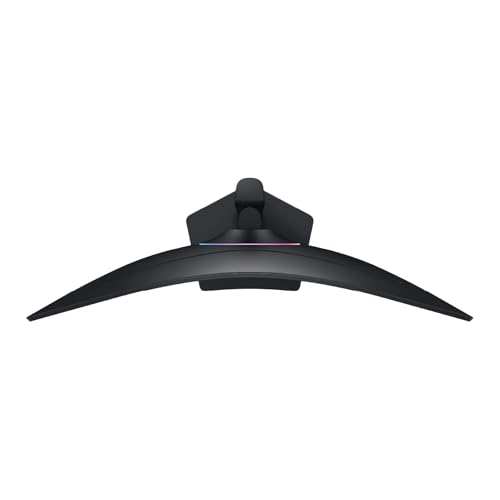
Samsung 37” Odyssey G7 (G75F) Series 4K UHD Curved Gaming Monitor | 165Hz, 1ms Response Time (GtG), VESA DisplayHDR™ 600, AMD FreeSync™ Premium Pro (LS37FG75DENXZA)


As an Amazon Associate we earn from qualifying purchases. Product prices and availability are accurate as of the date/time indicated.

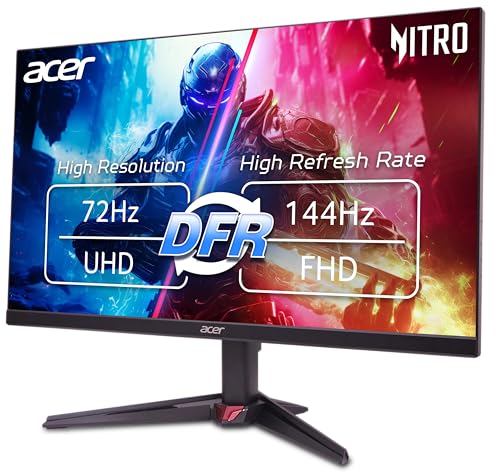
Acer Nitro 27in 4K 3840x2160 IPS 72Hz DFR 144Hz Gaming Monitor VG270K L1 | 0.5ms, AMD FreeSync, DCI-P3 95%, 2xHDMI, DisplayPort, Speaker, VESA Mountable, Bluelight Filter, Flickerless Technology




As an Amazon Associate we earn from qualifying purchases. Product prices and availability are accurate as of the date/time indicated.

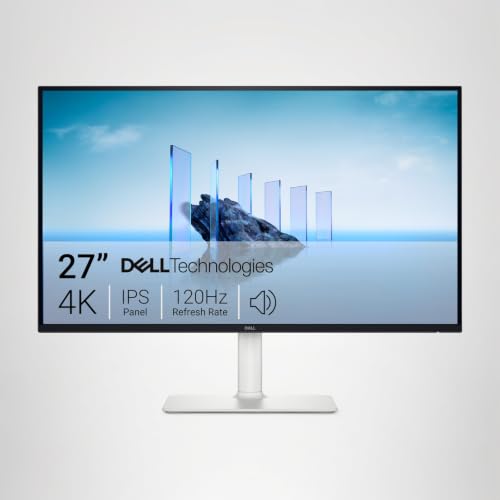
Dell 27 Monitor S2725QS, 4K UHD IPS, 120Hz, 5ms, FreeSync Premium | 350 cd/m2 Brightness, 1,500:1 Contrast, 99% sRGB, Anti-Glare, HDMI, DisplayPort, USB‑C, Height Adjustable, Swivel, Pivot


As an Amazon Associate we earn from qualifying purchases. Product prices and availability are accurate as of the date/time indicated.

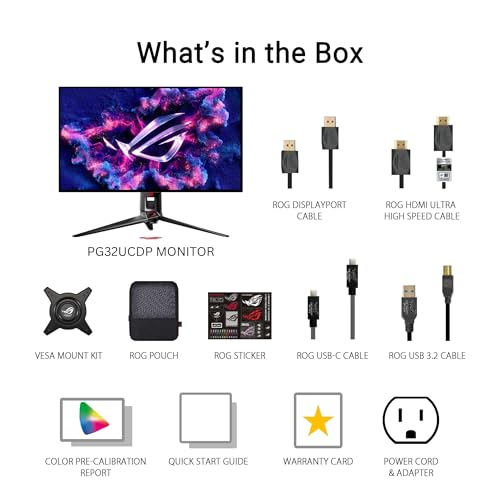
ASUS ROG PG32UCDP 32 Inch 4K 240Hz OLED Gaming Monitor | Dual Mode FHD 480Hz, Custom Heatsink, 0.03ms, G-SYNC Compatible, AI Gaming, USB-C 90W, True 10-bit, for PS5 and Xbox




As an Amazon Associate we earn from qualifying purchases. Product prices and availability are accurate as of the date/time indicated.
| Model | Key point from the title | Price tier | Best for |
|---|---|---|---|
| Acer Nitro VG270K L1 | 27″ 4K IPS, 72Hz with DFR to 144Hz, 0.5ms | Budget | Entry 4K, modest frame rates |
| Dell S2725QS | 27″ 4K IPS, 120Hz, 5ms, USB-C, 99% sRGB | Budget | Work-first desks that also play |
| ASUS TUF VG27UQ1A | 27″ 4K 160Hz, ELMB Sync, 95% DCI-P3 | Mid-range | Value high-refresh 4K |
| ASUS ROG XG27UCG | 27″ 4K 160Hz, Dual Mode FHD 320Hz, USB-C | Mid-range | Esports and 4K in one |
| LG 27G810A-B | 27″ 4K IPS 180Hz, FHD 360Hz, HDMI 2.1 | Mid-range | PC plus console |
| Samsung Odyssey G7 G75F 37″ | 37″ curved 4K, 165Hz, DisplayHDR 600 | Mid-range | Large immersive desks |
| ASUS ROG PG32UCDP | 32″ 4K OLED 240Hz, FHD 480Hz, USB-C 90W | Premium | Top-end OLED buyers |
Tiers are relative within this set and say nothing about current prices. Check the live listing.
The seven picks in detail
Acer Nitro VG270K L1
The title lists a 27-inch 4K IPS panel at 72Hz with “DFR 144Hz”, 0.5ms, FreeSync, 95% DCI-P3, two HDMI inputs, DisplayPort, a speaker and VESA mounting. The refresh wording is ambiguous: 72Hz looks like the 4K rate, and 144Hz probably applies to a dynamic or lower-resolution mode, so confirm on the listing. It is the weakest class here for fast 4K play, but also the lowest price tier. At 27 inches it has the same 163 PPI sharpness as the pricier 27-inch models; what you give up is motion fluidity. For slower games and media that can be a fair trade, but competitive shooters should look further up the list.
Pros
- lowest price tier of the seven
- two HDMI inputs plus DisplayPort
Cons
- 4K refresh appears to be 72Hz, not a high-refresh rate
- the 0.5ms figure is a seller claim
Who it’s for: someone who wants 4K sharpness and plays slower games or at 60 fps.
Dell S2725QS
A 27-inch 4K IPS monitor with 120Hz, 5ms, FreeSync Premium, 350 cd/m2, 1,500:1 contrast and 99% sRGB, with HDMI, DisplayPort and USB-C and a stand with height, swivel and pivot. It reads as an everyday display that also plays games, since the 5ms claim is slower than the dedicated gaming models here. It is the one with the best desk ergonomics for the price tier. The USB-C input can simplify cabling to a laptop, though the title does not state the power delivery wattage. For faster competitive play, step up to a gaming-brand model.
Pros
- USB-C and a fully adjustable stand
- 99% sRGB claim suits color work
Cons
- 5ms response and 120Hz are modest for fast games
- no HDR tier is named
Who it’s for: a single-desk user who edits documents in the morning and plays in the evening.
ASUS TUF Gaming VG27UQ1A
The title shows 27-inch 4K at 160Hz, ELMB Sync, 1ms, 95% DCI-P3, FreeSync Premium and “G-SYNC”, with DisplayWidget Center software and PS5 and Xbox positioning. The “G-SYNC” wording most likely means G-SYNC Compatible, so check the listing. It is the cheaper of two similar ASUS 4K models here, and the one with the fewest named extras. At 160Hz the raw 4K signal is roughly 32 Gbps (estimate), beyond uncompressed DisplayPort 1.4, so expect compression and check the ports. Console owners are targeted by the title but should confirm what refresh their console outputs.
Pros
- 160Hz at 4K for the mid-range tier
- ELMB Sync named for motion clarity
Cons
- no USB-C or HDR tier in the title
- ambiguous adaptive-sync wording
Who it’s for: players who want high-refresh 4K without paying for extras.
ASUS ROG XG27UCG
This near-duplicate of the TUF adds USB-C, a “Dual Mode FHD 320Hz” option, DisplayHDR 400, 99% DCI-P3, Fast IPS and ELMB Sync, with the same 27-inch 4K 160Hz base, 1ms and FreeSync Premium. It sits in the same price tier as the TUF, so the extras may be close to free upgrades; compare both live prices before you decide. The DisplayHDR 400 label is the entry HDR tier, so expect modest highlights. The Dual Mode FHD 320Hz suits fast shooters, while the 4K mode suits single-player games. Because 1080p is exactly a quarter of 4K the scaling should be a clean multiple, though the listing should confirm how you switch.
Pros
- USB-C and a high-speed FHD mode
- wider color claim than the TUF
Cons
- HDR 400 is the entry HDR tier
- a second mode adds settings to learn
Who it’s for: players who switch between 4K single-player and fast shooters.
LG 27G810A-B UltraGear
The title lists a 27-inch 4K UHD IPS panel with a Dual Mode of UHD 180Hz or FHD 360Hz, 1ms, G-Sync, FreeSync Premium, DisplayHDR 400 and HDMI 2.1. HDMI 2.1 is the standout, because it can carry 4K at high refresh from a console or a recent graphics card without compression tricks. The G-Sync wording needs a check, since it may mean G-Sync Compatible rather than the full module. The 360Hz figure applies to the FHD mode only, and the title does not say which DisplayPort version is fitted, so check that if your PC lacks HDMI 2.1. Stand details are not listed.
Pros
- HDMI 2.1 named in the title
- 180Hz at 4K and a 360Hz FHD fallback
Cons
- price sits above the two ASUS models
- DisplayHDR 400 is modest
Who it’s for: households that connect both a PC and a console to the same screen.
Samsung 37-inch Odyssey G7 (G75F) Series
A 37-inch curved 4K UHD monitor at 165Hz with 1ms (GtG), DisplayHDR 600 and FreeSync Premium Pro. At about 119 PPI it is the softest 4K panel here, and at roughly 82 cm wide it needs a deep and wide desk. The panel technology is not in the title, so check the listing before assuming VA, IPS or OLED. DisplayHDR 600 suggests higher peak brightness than the 400-tier models. A 37-inch panel asks the same GPU effort as a 27-inch one at 4K, but the larger pixels make close-up text less sharp. Check the VESA pattern and weight if you plan to use an arm.
Pros
- large curved screen with DisplayHDR 600
- 165Hz and FreeSync Premium Pro
Cons
- lower pixel density than any other model here
- very wide, so desk depth and width matter
Who it’s for: players who want a big, wrap-around single screen and sit further back.
ASUS ROG PG32UCDP
The title lists a 32-inch 4K OLED at 240Hz with a Dual Mode FHD 480Hz, a custom heatsink, 0.03ms, G-SYNC Compatible, AI gaming features, USB-C with 90W and true 10-bit color, for PS5 and Xbox. The 90W USB-C is useful for a laptop. 4K at 240Hz is demanding on bandwidth, and the title does not name its DisplayPort version, so check the ports. The price tier is the highest by a clear margin. The Dual Mode FHD 480Hz is a fast but lower-resolution mode, and “AI gaming” is a feature label whose details the title does not give. Read the warranty terms for OLED image retention before buying.
Pros
- OLED black levels, 240Hz at 4K and 90W USB-C
- heatsink named for panel thermal management
Cons
- highest price tier
- OLED image-retention care applies
Who it’s for: buyers who put the monitor first and have a graphics card to match.
How we picked these
This list starts from the seven product titles in the brief. We read what each states, noted what it leaves out and compared the claims. Our basis is published specifications, manufacturer documentation and buyer reviews. Nobody on the team used or measured these units. Anything beyond a title, such as pixel density or data rate, is an estimate and we show the assumption behind it. We also read each title for what is missing, such as panel type, stand adjustments or port versions. Weaker or near-duplicate listings are described as such.
What matters in a 4K gaming screen
The bandwidth ladder
Raw 4K pixel data is 3840 x 2160 x 24 bits x refresh rate, ignoring blanking and compression. The table converts that into gigabits per second, an estimate, and compares it with approximate usable link capacity.
| Refresh rate | Raw 4K data | Fits uncompressed? |
|---|---|---|
| 60Hz | 11.9 Gbps | HDMI 2.0 (about 14 usable) |
| 120Hz | 23.9 Gbps | DisplayPort 1.4 (about 26 usable) or HDMI 2.1 |
| 160Hz | 31.9 Gbps | HDMI 2.1, or compression |
| 240Hz | 47.8 Gbps | Compression, or DisplayPort 2.1 |
Real signals add blanking, so allow some extra. Our guide to HDMI 2.1 versus HDMI 2.0 for 4K 120Hz goes through the console side.
Size, density and desk depth
Pixel density at 4K is about 163 PPI at 27 inches, 138 at 32 and 119 at 37. A 37-inch screen is roughly 82 cm wide, a 27-inch about 60 cm. Measure your desk depth and width before ordering, then see our workspace ergonomics setup. General ergonomics: place the top edge near eye level and take breaks.
Panel type and HDR labels
IPS offers broad viewing angles, OLED offers instant pixel response and deep black, and the DisplayHDR 400, 600 numbers are tiers where 600 implies brighter highlights. Treat all of them as labels until you see the listing, and remember that a higher HDR tier does not make an SDR desktop look any different. The OLED monitor comparison covers that technology across more panels.
Adaptive sync and console use
FreeSync Premium, FreeSync Premium Pro and G-SYNC Compatible all let the refresh rate follow your frame rate, which matters at 4K where frame rates often fall below the maximum. Console owners should check that the HDMI input supports 4K at 120Hz and variable refresh; the PS5 and Xbox mentions in some titles are positioning, not a compatibility list.
GPU load
4K has 8.3 million pixels, 2.25 times 1440p. A card that holds 120 fps at 1440p may deliver roughly 55 to 70 fps at 4K in a demanding title (our estimate). If that is too heavy, a Dual Mode screen or a 1440p gaming monitor may be the better trade.
Mistakes buyers make
- Reading a Dual Mode refresh as a 4K rate. The higher number usually applies to full HD.
- Using an older HDMI port or cable and wondering why 120Hz is greyed out. Check both ends of the link and the cable rating.
- Buying 4K without a graphics card that can hold the frame rate you want. Budget for the card as well as the screen.
- Choosing a 37-inch screen for a shallow desk. It is about 82 cm wide and needs room to sit back.
- Treating HDR labels as proof of bright highlights. DisplayHDR 400 is the entry tier.
- Assuming two similar ASUS models are identical. The TUF and the ROG XG27UCG differ in ports, color and Dual Mode.
Verdict
The LG 27G810A-B is the best all-rounder on paper, the ASUS TUF VG27UQ1A is the value pick, and the ASUS ROG PG32UCDP is the OLED ceiling. The Acer and Dell models suit slower play. Verify the refresh mode, the port versions and your graphics card output before buying, and treat every seller claim as unconfirmed until the listing or manual backs it up. If your budget is tight, the Dell and Acer models keep the 4K detail but not the speed.
Frequently asked questions
What refresh rate should a 4K gaming monitor have?
For most players 120Hz to 165Hz is the practical range, because few graphics cards sustain 4K frame rates much higher than that in demanding games. Faster modes, such as 240Hz, mainly benefit older or esports titles that run at very high frame rates. A lower-resolution mode on a Dual Mode screen is the fallback when you want more speed than 4K can offer.
Do I need HDMI 2.1 for 4K gaming?
If you want 4K above 60Hz over HDMI, yes: HDMI 2.0 cannot carry uncompressed 4K at 120Hz, while HDMI 2.1 can. DisplayPort is the other route on a PC. Only the LG 27G810A-B in this set names HDMI 2.1 in its title, so confirm the HDMI version on any other listing you plan to use with a console.
Is a 27-inch or 32-inch screen better for 4K gaming?
27 inches gives the sharpest picture at about 163 pixels per inch, while 32 inches is about 138 and 37 inches about 119. Larger screens feel more immersive but need more desk depth. At a typical arm’s-length distance, the 27-inch size makes 4K detail easiest to appreciate, and 32 inches is the usual middle path.
What does Dual Mode mean on a 4K monitor?
It is the maker’s term for a second, lower-resolution mode, usually full HD, that runs at a much higher refresh rate than 4K allows. Titles here quote numbers such as 320Hz or 480Hz for that mode. Because 1080p divides evenly into 4K, scaling is a clean 2 x 2 multiple. Check the listing for how you switch between modes.
Is OLED worth it for 4K gaming?
OLED gives near-instant pixel response and true black, which many players value, but it costs the most here and comes with image-retention care. If you play mixed content with static desktop elements for hours, read the maker’s care guidance. If you want a longer look at the technology, our OLED guide compares more panels.
Related guides
- Curved vs Flat Monitor: Which to Choose for Your Desk
- 1440p vs 4K Monitor: Which Should You Choose?
- Best Curved Monitor: Seven 24 to 34 Inch Picks Compared by Curve Radius, Resolution and Inputs (2026)
- Best Budget Gaming Monitor: Eight Low-Cost 22 to 27 Inch Screens Compared by Ports and Refresh Claims (2026)