The best OLED monitor for most buyers in this group is the AOC Q27GAZDV: a 27-inch QHD QD-OLED at 240Hz with HDMI 2.1 and a three-year warranty, sitting in the lowest price tier. Step up to the ASUS ROG Strix XG27ACDNG if 360Hz appeals, to the Alienware pair for 34-inch ultrawide, or to the ASUS PG32UCDP for 4K.
All eight list a 0.03ms response time, which is a seller claim, so the choices that matter are size, resolution, refresh ceiling, inputs and how each title describes the panel. Some titles are incomplete or contain apparent typos, and we flag those below instead of guessing.
Our Top Picks
 AOC 27" Gaming Monitor QHD 240Hz QD OLED27" 240Hz Height Adjustable9.45 x 23.99 x 21.17 InchesCheck on Amazon
 Acer Predator 26.5in QHD 2560x1440 QD-OLED 240Hz Gaming26.5-inch12.32 x 24.04 x 19.25 inches19.7 poundsCheck on Amazon
 ASUS ROG XG27AQDMGR 27 Inch 1440p 240Hz Glossy14.5" x 23.8" x 2.5"7.4 x 23.8 x 19.7 inches14.6 poundsCheck on Amazon
 ASUS ROG Strix 26.5” 1440P QD-OLED Gaming Monitor6.408.6 x 24 x 20.3 inches16.4 PoundsCheck on Amazon
 Alienware 34 240Hz QD-OLED Curved Gaming Monitor34.2" QD-OLED31.71 x 9.13 x 21.84 Inches20.04 PoundsCheck on Amazon
All eight OLED monitors at a glance
AOC 27" Gaming Monitor QHD 240Hz QD OLED NVIDIA G-SYNC Compatible Q27GAZDV | 2560×1440 Computer Monitor, 0.03ms, True Black HDR, USB 3.2, HDMI 2.1, Height Adjustable Stand, VESA Mount, 3-Year Warranty


As an Amazon Associate we earn from qualifying purchases. Product prices and availability are accurate as of the date/time indicated.
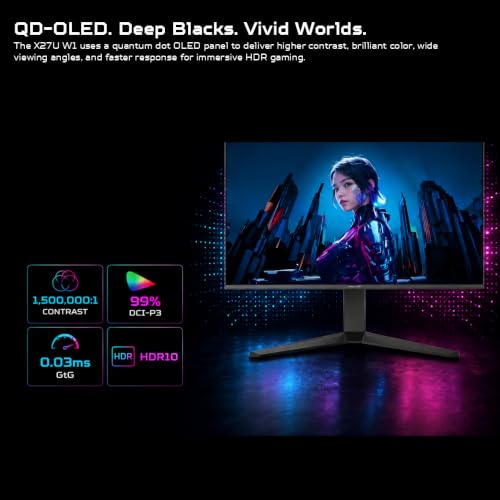
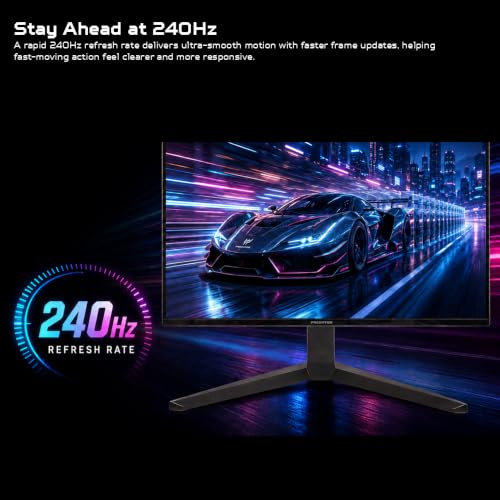
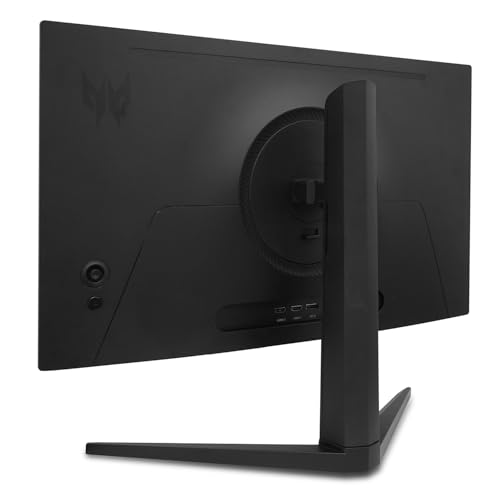
Acer Predator 26.5in QHD 2560x1440 QD-OLED 240Hz Gaming Monitor X27U W1 | 0.03ms, AMD FreeSync Premium, NVIDIA G-Sync Compatible, DCI-P3 99%, 2xHDMI 2.1, 2xDisplayPort, Ergo Stand, Speaker





As an Amazon Associate we earn from qualifying purchases. Product prices and availability are accurate as of the date/time indicated.
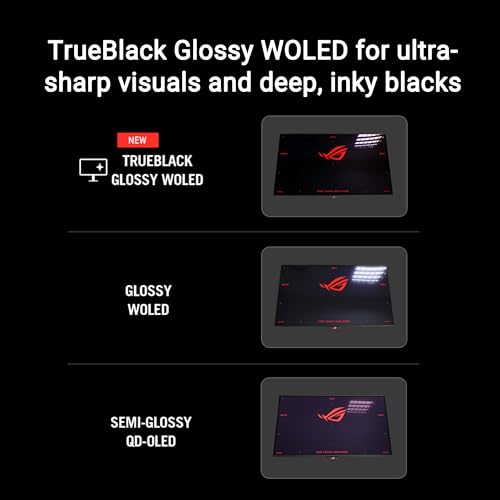
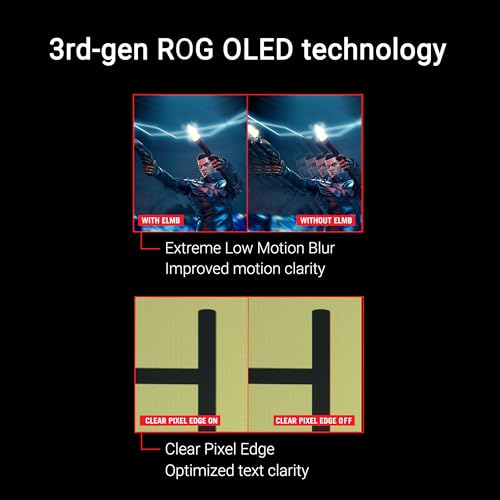
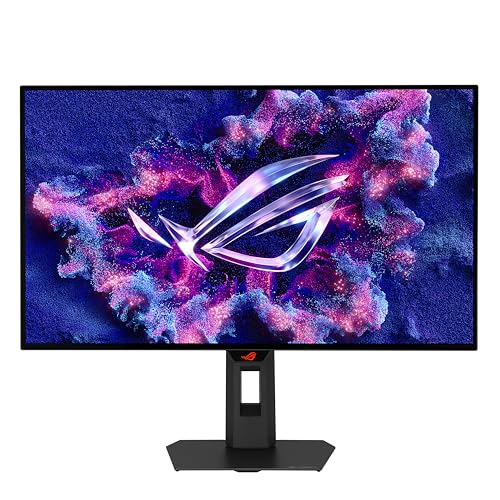
ASUS ROG XG27AQDMGR 27 Inch 1440p 240Hz Glossy OLED HDR Gaming Monitor | 0.03ms, OLED Care Pro, TrueBlack Glossy, Neo Proximity Sensor, ELMB Sync, DisplayHDR 400, DCI-P3 99%, for PS5 and Xbox





As an Amazon Associate we earn from qualifying purchases. Product prices and availability are accurate as of the date/time indicated.

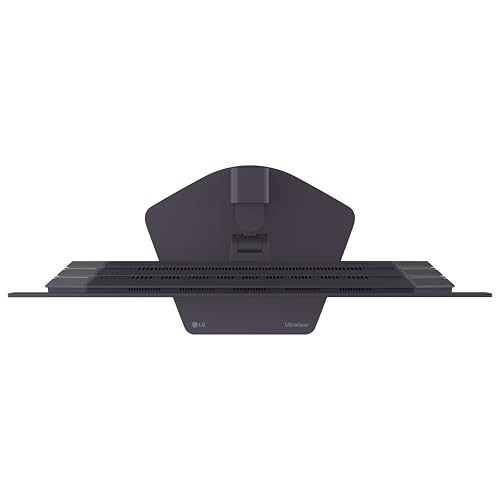
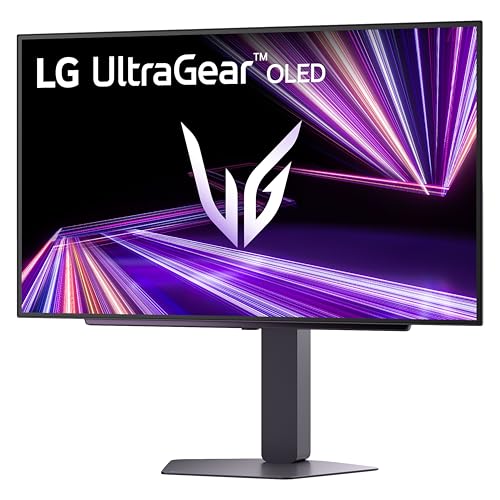
LG 27GX704A-B 27-inch Ultragear QHD (2650x1440) OLED Gaming Monitor 240Hz, 0.03ms, NVIDIA G-Sync Compatible, AMD FreeSync Premium Pro, VESA Display HDR TrueBlack400, HDMI 2.1, DisplayPort, Black









As an Amazon Associate we earn from qualifying purchases. Product prices and availability are accurate as of the date/time indicated.
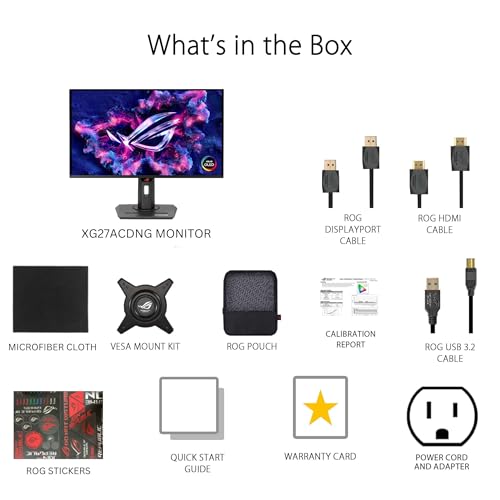
ASUS ROG Strix 26.5” 1440P QD-OLED Gaming Monitor (XG27ACDNG) -QHD (2560x1440), 360Hz, 0.03ms, Custom Heatsink, OLED Care+, G-SYNC Compatible, 99% DCI-P3, DisplayWidget, AI Gaming, 3yr Warranty




As an Amazon Associate we earn from qualifying purchases. Product prices and availability are accurate as of the date/time indicated.
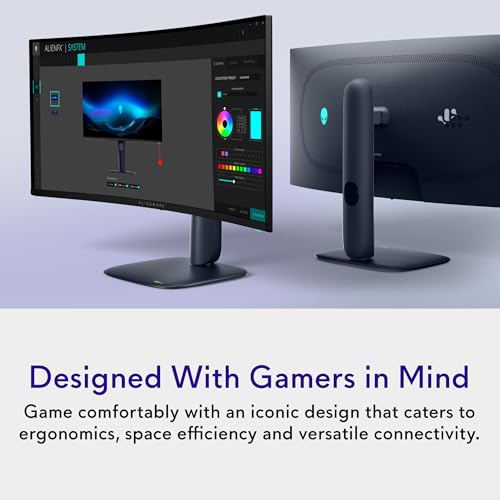
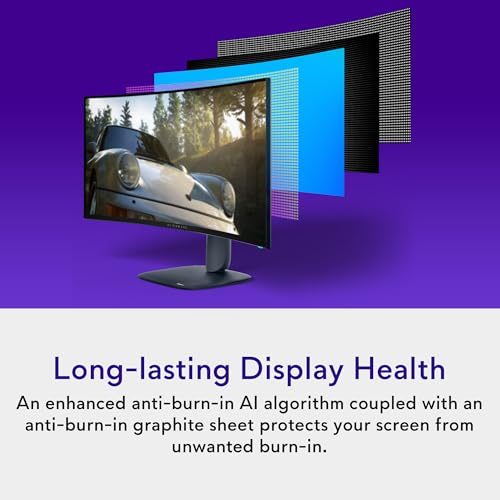
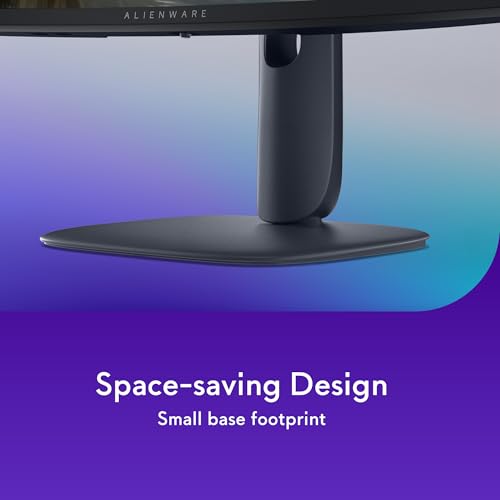
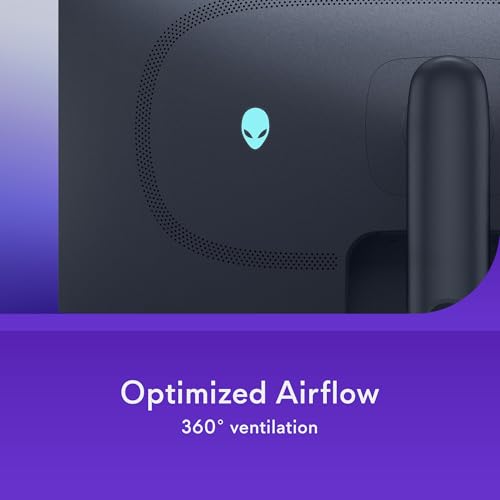
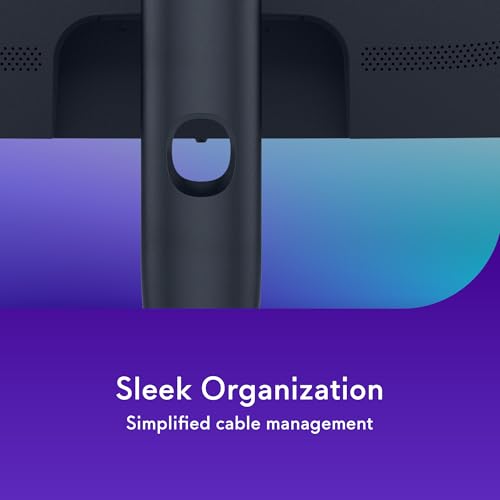
Alienware 34 240Hz QD-OLED Curved Gaming Monitor - AW3425DW - 34.2-inch WQHD (3440 x 1440) 0.03ms Display, 1800R Curve, AMD FreeSync Premium Pro, VESA AdaptiveSync, DisplayHDR TrueBlack 400






As an Amazon Associate we earn from qualifying purchases. Product prices and availability are accurate as of the date/time indicated.

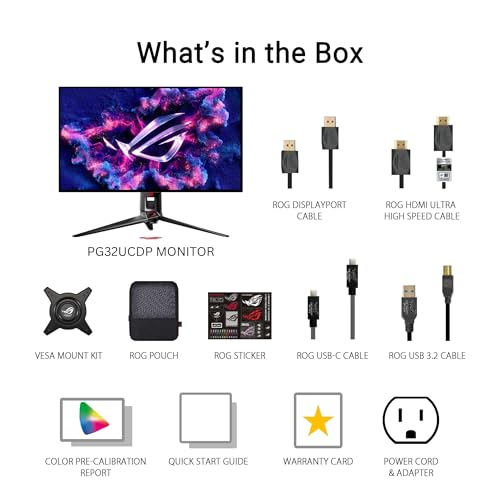
ASUS ROG PG32UCDP 32 Inch 4K 240Hz OLED Gaming Monitor | Dual Mode FHD 480Hz, Custom Heatsink, 0.03ms, G-SYNC Compatible, AI Gaming, USB-C 90W, True 10-bit, for PS5 and Xbox




As an Amazon Associate we earn from qualifying purchases. Product prices and availability are accurate as of the date/time indicated.

Alienware 34 Gaming Monitor AW3426DW, UWQHD QD-OLED, 280Hz, 0.03ms, G-SYNC | DisplayHDR True Black 500, 1,500,000:1 Contrast, 99% DCI-P3, USB-C 15W, 2 HDMI 2.1, 1 DP 1.4, VESA 100x100


As an Amazon Associate we earn from qualifying purchases. Product prices and availability are accurate as of the date/time indicated.
| Model | Key point from title | Price tier | Best for |
|---|---|---|---|
| AOC Q27GAZDV | 27-inch QHD QD-OLED, 240Hz, G-SYNC Compatible, HDMI 2.1, 3-year warranty | Budget | Entry into QD-OLED |
| LG 27GX704A-B | 27-inch OLED, 240Hz, FreeSync Premium Pro, DisplayHDR TrueBlack 400; resolution typo in title | Budget | Both VRR families, 27-inch |
| Acer Predator X27U W1 | 26.5-inch QHD QD-OLED, 240Hz, 99% DCI-P3, 2x HDMI 2.1, 2x DisplayPort | Budget | Many inputs, multi-device desks |
| ASUS ROG XG27AQDMGR | 27-inch 1440p glossy OLED, 240Hz, DisplayHDR 400, OLED Care Pro | Budget | Dim rooms and consoles |
| ASUS ROG Strix XG27ACDNG | 26.5-inch QHD QD-OLED, 360Hz, heatsink, OLED Care+ | Mid-range | Esports-style frame rates |
| Alienware AW3425DW | 34.2-inch WQHD QD-OLED, 240Hz, 1800R, TrueBlack 400 | Mid-range | Ultrawide immersion |
| Alienware AW3426DW | 34-inch UWQHD QD-OLED, 280Hz, TrueBlack 500, 2x HDMI 2.1 | Mid-range | Ultrawide with more inputs |
| ASUS ROG PG32UCDP | 32-inch 4K OLED, 240Hz, FHD 480Hz dual mode, USB-C 90W | Premium | Sharpest picture and one-cable laptop |
Panel-by-panel notes
AOC Q27GAZDV
A 27-inch QHD QD-OLED panel at 240Hz, G-SYNC Compatible, with 0.03ms, True Black HDR, USB 3.2, HDMI 2.1, a height-adjustable stand, VESA mounting and a three-year warranty. At 2560 by 1440 on 27 inches the density is about 109 ppi. The title names G-SYNC Compatible but not FreeSync, so AMD owners should check the listing, and True Black HDR is a vendor label with no tier stated. The title lists HDMI 2.1 but no DisplayPort, so confirm the port set. It is in the lowest price tier here, which makes it the easiest way into QD-OLED, though the title says nothing about burn-in coverage under that warranty.
Pros
- Lowest price tier among the QD-OLED options
- Height-adjustable stand and VESA mounting
Cons
- No FreeSync or DisplayPort named in the title
- HDR tier is not stated
Who it’s for: First-time OLED buyers who want 1440p at 240Hz without paying a premium.
LG 27GX704A-B
A 27-inch UltraGear OLED at 240Hz with 0.03ms, G-SYNC Compatible, FreeSync Premium Pro, VESA DisplayHDR TrueBlack 400, HDMI 2.1 and DisplayPort. The title says 2650 by 1440, which looks like a typo for 2560 by 1440, so confirm the resolution on the listing before ordering. It names both variable-refresh families, which helps if you may switch GPU brands. The title says OLED rather than QD-OLED, so check the panel type. DisplayHDR TrueBlack 400 is a certification tier tuned to OLED black levels, though it is not a promise of searing highlights.
Pros
- Names G-SYNC Compatible and FreeSync Premium Pro
- TrueBlack 400 certification tier named
Cons
- Resolution typo in the title
- Panel type is not specified beyond OLED
Who it’s for: Buyers who may swap between Nvidia and AMD graphics cards.
Acer Predator X27U W1
A 26.5-inch QHD QD-OLED at 240Hz with 0.03ms, FreeSync Premium, G-Sync Compatible, 99% DCI-P3, two HDMI 2.1 ports, two DisplayPorts, an ergonomic stand and a built-in speaker. Four video inputs is the most generous set in this group, which suits a desk with a PC, console and laptop, and the ergonomic stand suggests some adjustment, though the listing should confirm which movements. At about 111 ppi it is slightly denser than the 27-inch models. The DCI-P3 figure is a seller claim, and the title does not name an HDR tier. The speaker is a convenience, not a substitute for desktop speakers.
Pros
- Four video inputs including two HDMI 2.1
- Names both FreeSync Premium and G-Sync Compatible
Cons
- HDR tier not stated
- Built-in speaker quality unknown
Who it’s for: Multi-device desks with a PC, console and laptop sharing one screen.
ASUS ROG XG27AQDMGR
A 27-inch 1440p OLED at 240Hz with a glossy TrueBlack finish, DisplayHDR 400, 99% DCI-P3, OLED Care Pro, Neo Proximity Sensor, ELMB Sync and a PS5 and Xbox mention. The DisplayHDR 400 wording differs from the TrueBlack 400 labels on the LG and Alienware titles, so confirm the exact certification. A glossy finish looks vivid in dim rooms but shows reflections in bright ones, which is covered in matte versus glossy for a bright room. The title says OLED, not QD-OLED, and the sensor and care features should be explained in the listing, along with how they affect everyday use.
Pros
- Glossy TrueBlack finish for dark rooms
- OLED Care Pro and a proximity sensor listed
Cons
- Glossy surface suffers in bright rooms
- HDR certification wording is ambiguous
Who it’s for: Players in a dim room who value contrast and may connect a console.
ASUS ROG Strix XG27ACDNG
A 26.5-inch QD-OLED at 1440p and 360Hz, with a custom heatsink, OLED Care+, G-SYNC Compatible, 99% DCI-P3, DisplayWidget, AI Gaming and a three-year warranty. At 360Hz a frame lasts under 2.8 ms, but 1440p at that rate needs about 32 Gbps of raw pixel data at 8-bit, so it relies on a DisplayPort 1.4 or HDMI 2.1 connection with compression. The title does not list ports. Reaching 360 fps in modern games needs a very strong GPU or lighter, esports-style titles. The warranty is listed at three years, so check its burn-in terms.
Pros
- 360Hz ceiling for esports-style play
- Custom heatsink and care features listed
Cons
- Mid-range tier for a 1440p panel
- Ports are not stated in the title
Who it’s for: Competitive players with a high-end GPU who want the fastest refresh at 1440p.
Alienware AW3425DW
A 34.2-inch curved WQHD (3440 by 1440) QD-OLED at 240Hz with an 1800R curve, FreeSync Premium Pro, VESA AdaptiveSync and DisplayHDR TrueBlack 400. Nvidia compatibility is not named in the title, so check the listing. The screen is about 31.5 inches wide by estimate, so check your desk width. Density is about 109 ppi, the same as a 27-inch QHD. The listing does not state ports in the title. It reads as the earlier of the two Alienware ultrawides and a near-duplicate of the AW3426DW, so decide between them on refresh rate, USB and inputs.
Pros
- Ultrawide immersion at 240Hz
- FreeSync Premium Pro and TrueBlack 400 named
Cons
- No G-SYNC mention in the title
- Ports are not named
Who it’s for: AMD users who want a curved ultrawide for single-player games and productivity.
Alienware AW3426DW
The newer 34-inch ultrawide: UWQHD QD-OLED at 280Hz with G-SYNC, DisplayHDR True Black 500, 1,500,000:1 contrast, 99% DCI-P3, USB-C 15W, two HDMI 2.1, one DP 1.4 and VESA 100×100. The G-SYNC wording should be checked for compatible mode, and FreeSync is not named. The 15W USB-C is enough for a phone or accessories, not a laptop. True Black 500 is a higher tier name than the 400 labels, which under VESA’s scheme implies a higher peak-brightness requirement. Against the AW3425DW you gain a higher refresh rate, a listed port set and a stated VESA pattern.
Pros
- Listed ports and VESA 100×100 pattern
- True Black 500 certification tier
Cons
- USB-C is only 15W
- FreeSync not named
Who it’s for: Ultrawide buyers who want more inputs and a mount-ready pattern.
ASUS ROG PG32UCDP
A 32-inch 4K OLED at 240Hz with a dual mode that the title lists as FHD 480Hz, a custom heatsink, G-SYNC Compatible, AI Gaming, 10-bit color and USB-C at 90W. The 480Hz figure appears to apply in a lower-resolution mode, so do not assume 4K at 480Hz. 4K at 240Hz and 10-bit is about 60 Gbps of raw data by estimate, beyond HDMI 2.1’s raw 48 Gbps, so it relies on compression. That 4K load needs a flagship graphics card. Density of about 138 ppi is the best here. The 90W USB-C port is listed, but confirm that it carries video as well as power.
Pros
- Highest density (about 138 ppi)
- USB-C 90W and 10-bit color named
Cons
- Premium price tier
- Demands a flagship GPU at 4K
Who it’s for: Enthusiasts with a flagship GPU who want 4K detail and one-cable laptop use.
How we picked these
We compared Amazon listings for this keyword on panel type, size, resolution, refresh ceiling, VRR names, HDR wording and port lists. Our basis is published specifications, manufacturer documentation and buyer reviews. Nobody on the team used or measured these units, so response times, contrast ratios and brightness tiers stay seller claims. Where a title leaves out a fact or contains a likely typo, we say so and point you to the listing. Price tiers are relative within this set, and the live price is what counts.
What to look for in an OLED monitor
Reading the panel labels
Titles mix QD-OLED, OLED, TrueBlack and True Black, but they describe different things. QD-OLED and OLED name the panel technology. DisplayHDR TrueBlack 400 or 500 is a VESA certification tier for self-emissive screens. A bare True Black HDR or a plain HDR label is vaguer, and the contrast ratio of 1,500,000:1 on one title is a seller claim. Self-emissive panels generally hold their highest brightness for small highlights rather than full-screen white, so they suit dim rooms better than sunlit ones. Check the listing whenever a title is silent.
Worked example: static-content hours
Assume you work six hours a day with a fixed taskbar and play two. That is eight hours, or 2,920 hours a year, of identical shapes at the screen edge. This is an illustration, not a burn-in prediction. Auto-hide the taskbar, use dark themes, let the screen sleep when idle and enable the vendor care features to cut that exposure. Read the warranty for burn-in wording.
Size, density and desk footprint
The active width of a 16:9 screen is about 0.87 times its diagonal, so a 27-inch is roughly 23.5 inches wide. A 3440 by 1440 ultrawide at 34.2 inches is about 0.92 times the diagonal, roughly 31.5 inches by estimate. That is eight inches of extra desk before speakers. Density is about 109 ppi on both, and about 138 ppi on the 32-inch 4K.
Cables and bandwidth
Raw pixel data at 8-bit is roughly 21 Gbps for 1440p at 240Hz, about 32 Gbps at 360Hz and about 60 Gbps for 4K at 240Hz with 10-bit. These are estimates without blanking overhead. DisplayPort 1.4 and HDMI 2.1 manage the highest figures only with compression, so use certified cables and check which port carries the full refresh rate.
Mounting and posture
Only the AOC and AW3426DW titles mention VESA, so check the pattern on the others. Compare the listed monitor weight with the arm rating and its minimum. With a hypothetical 7 kg monitor and a 2 to 9 kg arm you are in range, but a clip-on webcam adds load. For setup, see how to position a monitor arm for good posture and workspace ergonomics for a gaming PC.
Mistakes buyers make
- Ignoring warranty terms. A three-year warranty in a title may not cover burn-in.
- Buying 360Hz without a strong GPU. The refresh ceiling needs frames to match.
- Assuming glossy suits every room. Reflections can undo the contrast advantage.
- Treating response time as the whole story. All eight quote 0.03ms, so size, ports and panel type separate them.
- Trusting every title. The LG listing shows 2650 by 1440, almost certainly a typo, so verify the real resolution first.
- Skipping the cable. An older HDMI cable can cap refresh rate or resolution, so use certified HDMI 2.1 or DisplayPort cables.
- Underrating the arm. A heavy ultrawide on a weak arm will sag, as in how to fix a monitor arm that drifts.
Verdict
The AOC Q27GAZDV is the value pick, the LG 27GX704A-B is worth considering once its resolution typo is checked, and the Acer Predator X27U W1 suits desks with many devices. The ASUS Strix XG27ACDNG chases 360Hz, the Alienware pair covers ultrawide, and the ASUS PG32UCDP is the 4K flagship. Whichever you pick, confirm ports, panel type and warranty wording on the live listing before ordering, since several titles leave them out. Prices move, so compare the live figures rather than the tier labels here.
Frequently asked questions
Is an OLED monitor better than IPS for gaming?
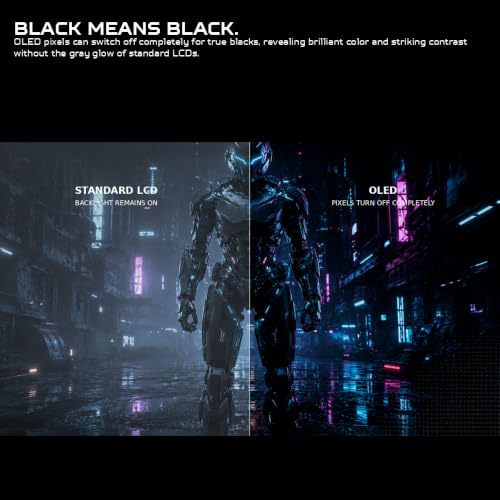
OLED pixels emit their own light, so black pixels can switch off, which is why the titles quote 0.03ms response and strong contrast. The trade-offs are static-image care, brightness limits and, on some panels, text rendering. IPS screens are cheaper and have no such care routine. If you game in a dim room, OLED is the more dramatic choice.
What is the difference between QD-OLED and OLED here?
QD-OLED uses blue emitters with a quantum-dot color layer, while the common alternative uses white OLED with color filters. In this set, the AOC, Acer, ASUS Strix and both Alienware titles say QD-OLED. The ASUS XG27AQDMGR, ASUS PG32UCDP and LG titles say only OLED, so check the listing for the panel type.
How can I reduce burn-in risk on an OLED monitor?
No habit removes the risk, but a few help: auto-hide the taskbar, use a dark theme for desktop work, set a short screen timeout and use the monitor’s care features. Several titles mention OLED Care or similar. Check the warranty terms for burn-in coverage, since a three-year warranty in the title does not say what it covers.
Should I choose 27-inch QHD, 34-inch ultrawide or 32-inch 4K?
Pixel density and GPU load differ. 27-inch QHD runs about 109 ppi and is the easiest to drive. The 34-inch ultrawide is also about 109 ppi but is roughly 31.5 inches wide, so it needs desk space. The 32-inch 4K reaches about 138 ppi, the sharpest option here, and asks the most from your graphics card.
Do I need HDMI 2.1 for these monitors?
For a PC, DisplayPort is usually enough, and most titles here list DisplayPort or HDMI 2.1. For consoles you need HDMI, and high refresh rates at these resolutions generally need the 2.1 standard. The AOC lists HDMI 2.1 but no DisplayPort in its title, while the Alienware AW3426DW lists two HDMI 2.1 ports and one DisplayPort 1.4.
Related guides
- Curved vs Flat Monitor: Which to Choose for Your Desk
- 1440p vs 4K Monitor: Which Should You Choose?
- Best Curved Monitor: Seven 24 to 34 Inch Picks Compared by Curve Radius, Resolution and Inputs (2026)
- Best Budget Gaming Monitor: Eight Low-Cost 22 to 27 Inch Screens Compared by Ports and Refresh Claims (2026)