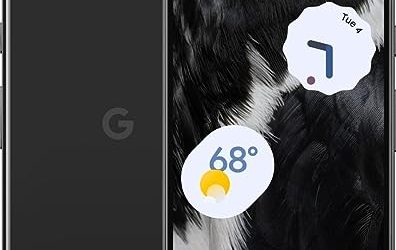
6 Best Google Fi Compatible Smartphones (October 2026)
Google Fi Wireless is a service that sells plans on top of partner networks.
We research everything we recommend. When you buy through our links, we may earn a commission. As an Amazon Associate we earn from qualifying purchases.
Microphones covers standalone mics for gaming, streaming, and voice chat, separate from the microphones built into headsets, aimed at buyers who want clearer audio than a boom mic delivers. The defining decision is USB versus XLR: a USB microphone plugs in and works with minimal setup, making it the practical choice for most streamers, while an XLR microphone requires an audio interface or mixer but delivers more headroom and control for anyone serious about production quality over time. Polar pattern is a spec worth understanding before buying, since a cardioid pattern rejects sound from the sides and rear, which suits a single-speaker streaming setup, while an omnidirectional pattern picks up a full room and fits group recording instead. Setup quality matters as much as the microphone itself, since mic placement, gain staging, and basic room treatment often fix more audio problems than swapping to a more expensive model would. Buyers upgrading from a headset mic typically notice the difference in background noise rejection and voice clarity most, since even an entry-level dedicated microphone outperforms most integrated headset mics on those measures. Start by deciding whether USB simplicity or XLR flexibility fits the setup, then choose polar pattern based on solo versus group use. USB Vs XLR Microphones For Streaming covers that core decision, and Best USB Microphone For Gaming rounds up current picks.
Google Fi Wireless is a service that sells plans on top of partner networks.
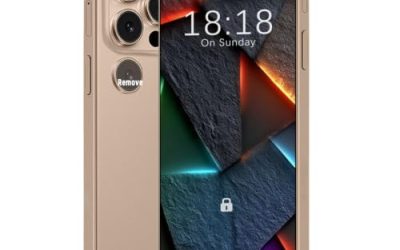
Eight gigabytes of RAM has become the line between a phone that keeps your apps alive and one that reloads them every time you switch.
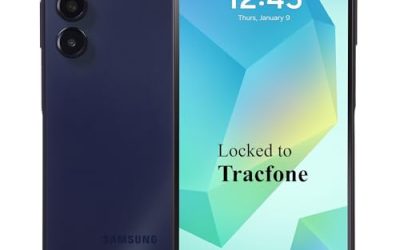
A prepaid smartphone is a different kind of purchase from an unlocked flagship. Most of the phones here are tied to a specific carrier.
A phone that dies before dinner turns every errand into a hunt for an outlet. Shopping for the best smartphones with long battery life means looking.
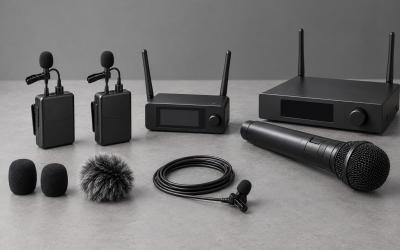
If your recordings or streams are spoiled by harsh popping on every P and B...
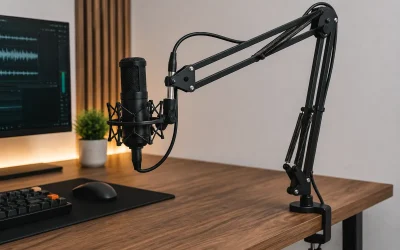
When you add a real microphone to a desk, you have to hold it somewhere,...

For years, the default advice for desktop audio was to buy a bulky gaming headset...
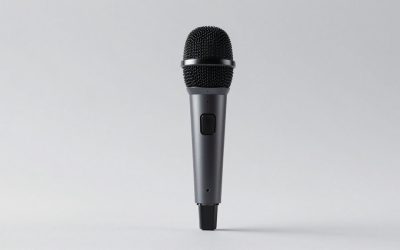
A cheap mic on a plastic stand wobbles every time you lean forward for your...

How to set up a streaming microphone: placement distance, gain levels in dB, pop filter position, and software settings for clean audio.

Best USB microphone for gaming for Discord and party chat, compared on mute speed, PS4/PS5 support, and price from $20 to $100.